

Summary
- Turn a cheap CYD ESP32 touchscreen into a lively ASCII aquarium with tap-to-feed fish.
- The ESP32 runs real-time fish AI that performs schooling, avoidance, and racing for food.
- A cool beginner-friendly GitHub project: it comes with a full installation guide on the project’s page.
If you’re a big ESP32 fan, you really owe it to yourself to check out the Cheap Yellow Display (CYD). It’s a small display that uses an ESP32 as its processor, and it’s, well, cheap. The name does a lot of the heavy lifting, honestly.
You can do a lot with a CYD, from enhancing your smart home to creating cool devices that can fit in small cases. But why do something practical with your CYD when you can instead put a cool ASCII aquarium on it and tap on the screen to feed the fish? Sounds like an excellent use of the tech, if you ask me.
The ASCII aquarium turns your CYD into a virtual fishtank
Yes, you can feed them. Yes, it’s very cute
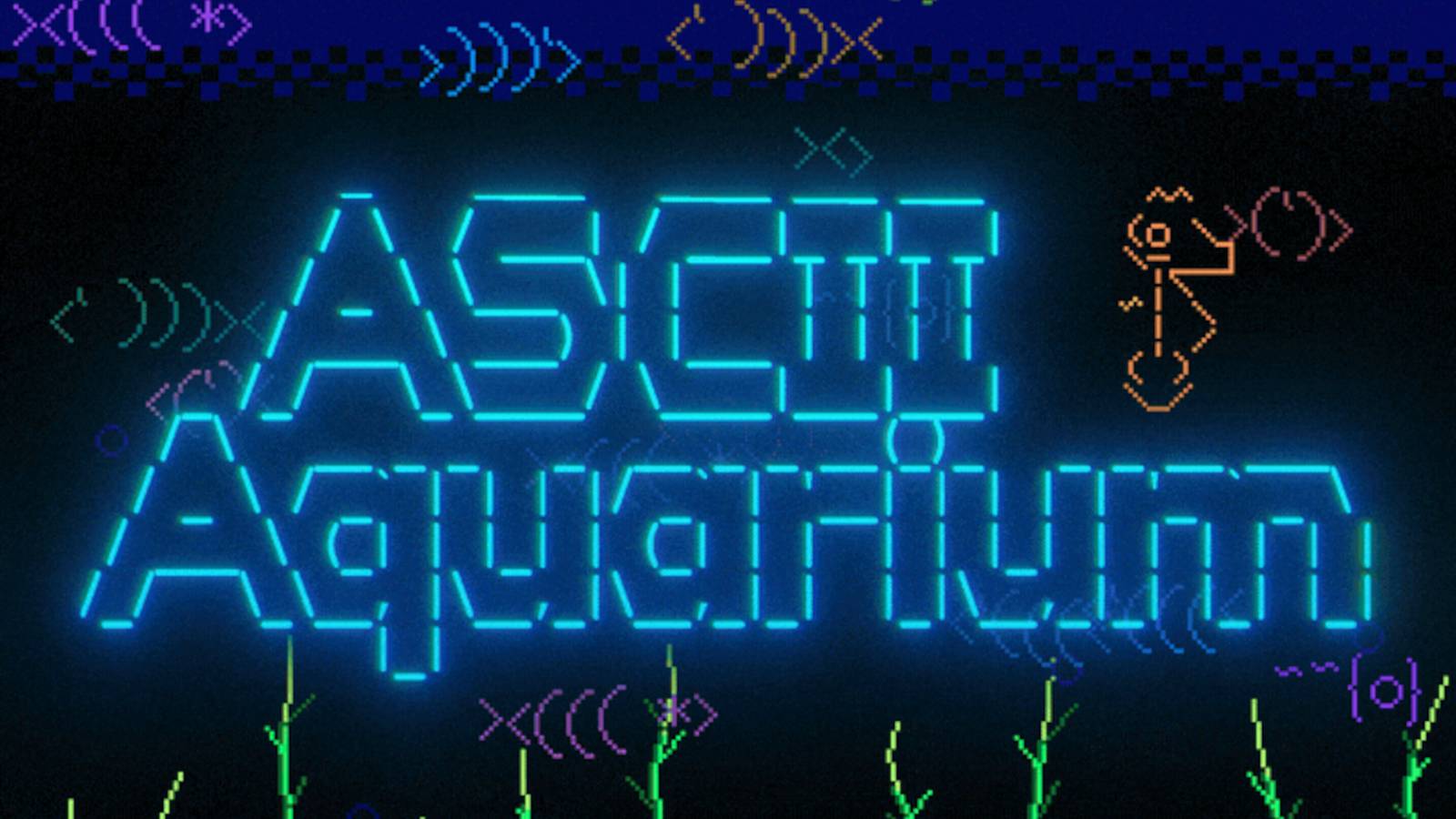
As spotted by Hackaday, this cool little project is fittingly called the ASCII aquarium. It comes to us via POWER-PILL on GitHub, and it makes for a beginner-friendly project that doubles as an excellent conversation starter.
Here’s how its creator describes it:
ASCII Aquarium turns the common 320×240 CYD touchscreen into a living little desktop aquarium with swimming ASCII fish, rising bubbles, swaying seaweed, tap-to-feed flakes, occasional octopus and seahorse visitors, touch controls, Wi-Fi time sync, persistent settings, and SD-card screenshot capture.
POWER-PILL wants to make it very clear that the screen isn’t just a looping animation. The ESP32 works in the background to simulate the fish in real time, and they can school up, avoid other fish, and race to grab some food whenever you tap on the screen. Kind of like Conway’s Game of Life, except the blocks are replaced by cute little fish.
Interested in more maker-related content? We launched the XDA Maker Weekly newsletter featuring unique and original content you won’t find anywhere else on XDA. Get subscribed by modifying your newsletter preferences!
If you’d like to learn more about the ASCII aquarium, or you have a CYD on hand that needs a new job to do, then pop over to the project’s GitHub page, where you’ll find a full installation guide and the code to get it running.