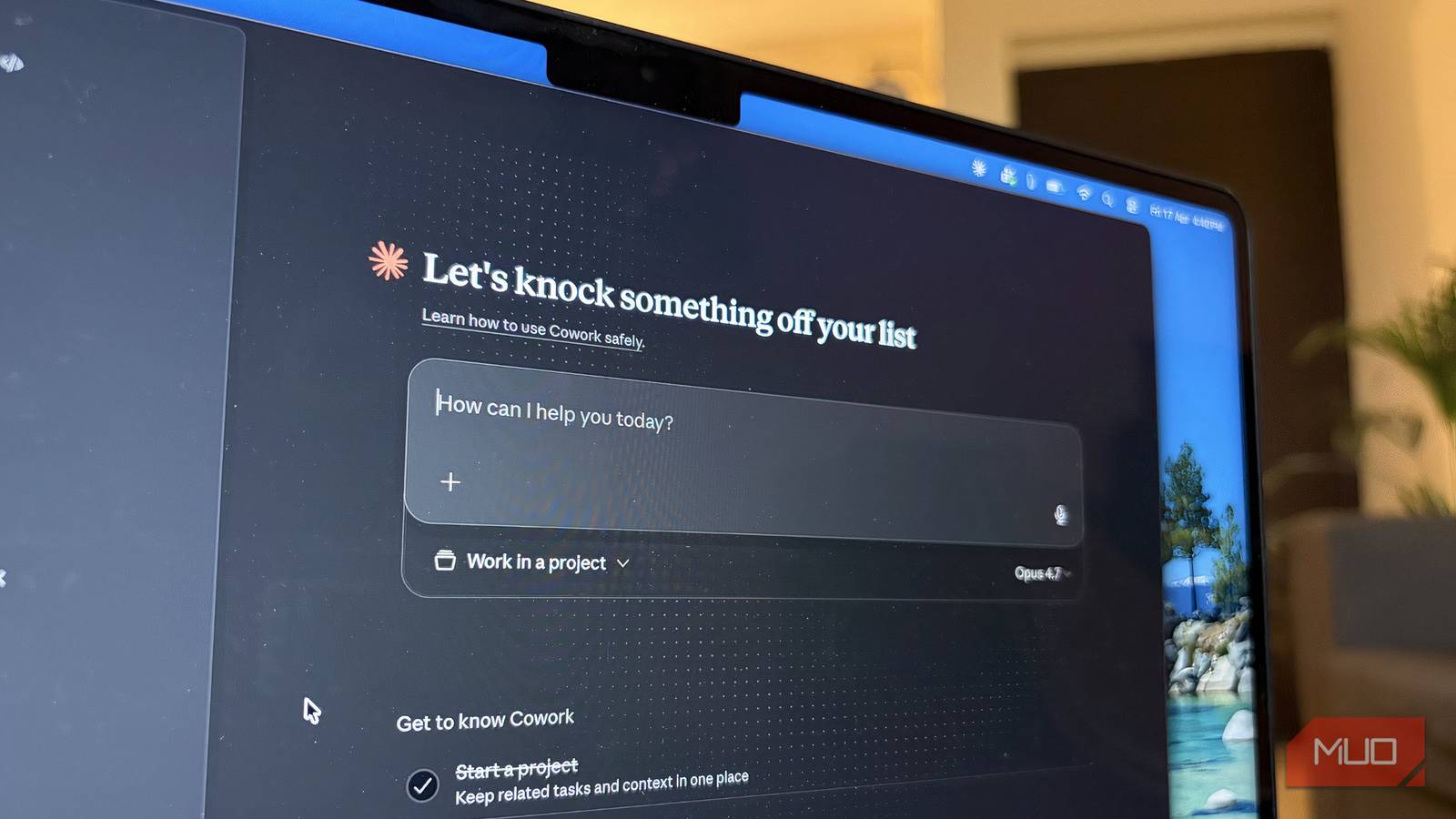

Claude Cowork built its reputation on automation, and that’s exactly what drew me to it. I wanted something that could handle repetitive work without requiring me to constantly check in. And to be fair, it delivered. That shift changed how I saw Cowork — it started feeling like something I could rely on without second-guessing.
And naturally, that got me thinking about the one thing I’ve been avoiding for far too long. A 500-photo project that has been sitting in the back of my mind for nearly two years. It was a task I kept pushing forward because I knew it would take time and patience to get through. So, that’s when I actually realized if there was anything that could finally help me get this done, it was this.
There’s a cheaper way into Claude, and it starts with Google
Google AI Pro is not just a Gemini subscription.
I gave it a mess, and it gave me back order
Handing it over was the smartest move all along
What I appreciate most about Claude Cowork is that it doesn’t just point you in the right direction; it actually does the work. And that’s exactly what I need. If I still had to sit down and do everything manually, it would defeat the whole purpose. The idea is to step away and let it handle the tedious parts.
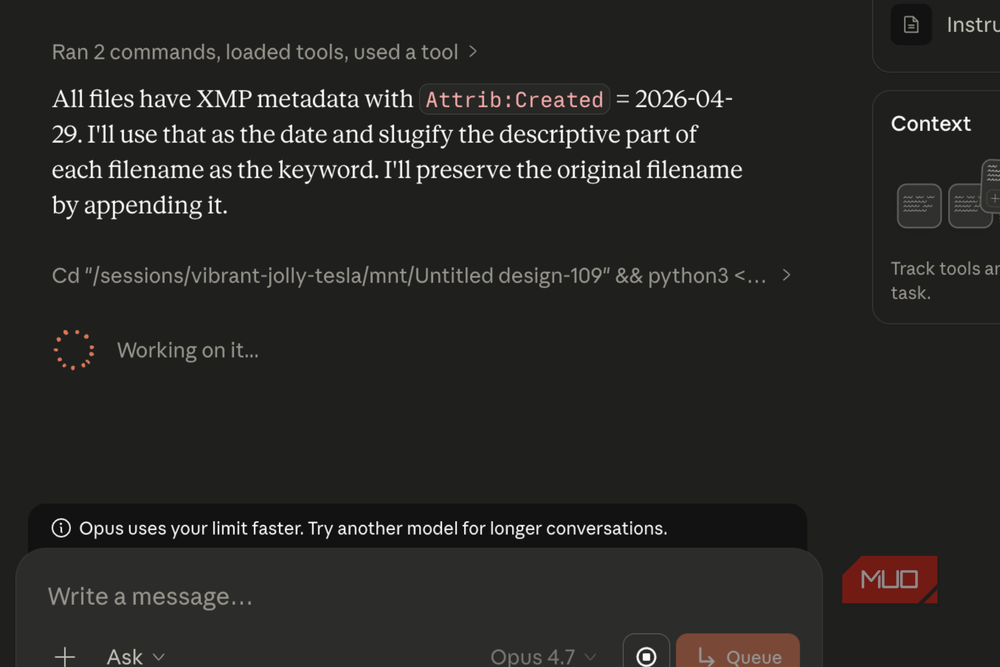
I gave it a pretty straightforward but time-consuming task. I asked it to scan a folder in Finder on my MacBook and rename every file based on its metadata. Specifically, I wanted each photo to carry its date, month, and year. So if a picture was taken on, say, 26 July 2024, that date would be neatly added to the file name. It sounds simple, but doing this across hundreds of photos is the kind of thing you keep on postponing. Watching it just take over and handle it all in one go felt relieving. Suddenly, everything was organized, and I could tell exactly when each photo was taken without digging around.
While I was at it, I also had this lingering worry that a 500-photo batch would definitely have duplicates. It starts filling up the storage for no reason. So I added that to the task as well. Without much fuss, Claude Cowork scanned through everything, identified duplicates, and removed them. To be sure it wasn’t missing anything, I even created a separate folder with intentionally duplicated files just to test it. It passed that test without any issues, which, I’ll admit, was a bit satisfying to watch.
The only thing I really had to do on my end was give it access to the right folder. In this case, the Downloads folder. That step matters because, without the right permissions, it simply can’t do its job.
But once that was sorted, I didn’t have to hover over it or double-check every move. It just got on with it, exactly the way you’d hope something like this would.

6 Reasons I Use Claude Instead of ChatGPT
ChatGPT is great; don’t get me wrong. But Claude is so much better.
Baby steps, because I wasn’t that brave
Especially when you’re sorting two years of procrastination

Sorting a project this big was never going to be instant, and I knew better than to throw all 500 photos at it right away. So I started small — I created a separate folder first, partly to test things, and partly because I genuinely didn’t know the best way to organize everything. That initial hesitation was real. Thankfully, Claude Cowork stepped in with suggestions and walked me through different ways I could approach it. The most helpful advice was simple: pick a system that makes sense to you later. I went with date, month, and year because it felt most natural for my setup, but you could just as easily organize things by events, locations, or anything that matches how you remember your photos.
Once I saw it working smoothly on that smaller batch, that’s when I gave it access to the main folder and let it run on the full project. And yes, it took time. This isn’t something that wraps up in a few minutes, especially at this scale. I let it run over the weekend, which worked out perfectly because I didn’t feel the need to keep checking on it.
If you’re planning something similar, it helps to give it that breathing room instead of expecting instant results.
What I really appreciated during the process was how interactive it felt. Whenever Cowork wasn’t sure about something, it would constantly ask me. A few follow-up questions to confirm it was on the right track. And strangely, I liked that. It made me feel involved without micromanaging. I knew what was happening, I could step in if needed, and at the same time, I didn’t have to carry the whole process myself.

- Developer
-
Anthropic PBC
- Price model
-
Free, subscription available
Claude is an advanced artificial intelligence assistant developed by Anthropic. Built on Constitutional AI principles, it excels at complex reasoning, sophisticated writing, and professional-grade coding assistance.
Two years later, and it’s finally not on my mind anymore
There’s something really satisfying about closing a loop that’s been open for this long. This wasn’t just about organizing photos; it was about finally dealing with something I had been avoiding for two long years. And the best part is, it didn’t feel exhausting. I didn’t have to block out hours, mentally prepare, or push myself through it. It just got done. What stayed with me more than the outcome was the feeling during the process. I wasn’t overwhelmed, and I definitely wasn’t stuck in that “I’ll do it later” cycle.
And now that it’s done, I keep thinking about everything else I’ve been putting off for the same reasons. Because if this is what it feels like to finally get through one of those lingering tasks, I’m not sure if I want to go back to doing it the old way again.