• About
  • Advertise
  • Privacy & Policy
  • Contact
All Access London
Advertisement
  • Home
  • General
  • Celebrity
  • News
    • London
    • UK
    • Business
    • Politics
    • Science
  • Tech
    • Apps
    • Gadgets
    • Mobile
    • Startup
  • Entertainment
    • London Ent.
    • Gaming
    • Movies
    • Music
    • Sports
    • TV
  • Lifestyle
    • Fashion
    • Food
    • Health
    • Travel
  • Reviews
No Result
View All Result
  • Home
  • General
  • Celebrity
  • News
    • London
    • UK
    • Business
    • Politics
    • Science
  • Tech
    • Apps
    • Gadgets
    • Mobile
    • Startup
  • Entertainment
    • London Ent.
    • Gaming
    • Movies
    • Music
    • Sports
    • TV
  • Lifestyle
    • Fashion
    • Food
    • Health
    • Travel
  • Reviews
No Result
View All Result
All Access London
No Result
View All Result
Home Tech Apps

I ditched Google TV’s cluttered home screen for a lightweight launcher, and the setup took less time than brewing coffee

All Access London Team by All Access London Team
October 3, 2026
in Apps
0
I ditched Google TV’s cluttered home screen for a lightweight launcher, and the setup took less time than brewing coffee
0
SHARES
1
VIEWS
Share on FacebookShare on Twitter


There’s a lot to love about Google TV — it supports a wide variety of apps, it has some nifty features, and it performs relatively well on affordable devices. However, the platform also has drawbacks, especially with its home screen.

I got tired of Google TV’s cluttered recommendations for TV shows and YouTube videos, and the way the UI buries essential settings and access to the Google Play Store. So I’ve been trying out launchers to replace my home screen — and FLauncher provides one of the most user-friendly options out there.

What is FLauncher?

A lightweight launcher for Android TVs

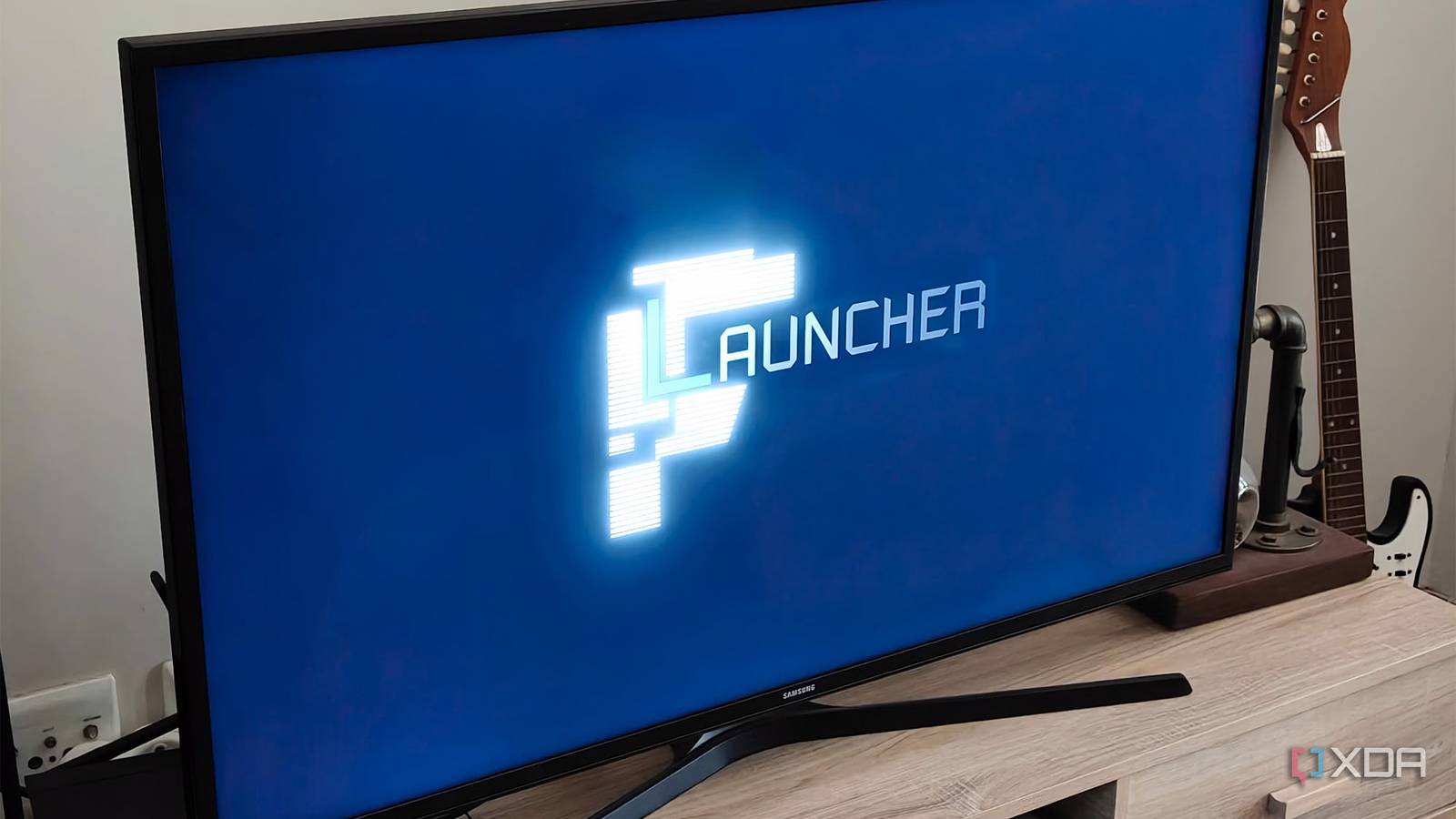
FLauncher is an open-source launcher for Android TV and Google TV devices. It even works on Chromecasts. It’s free and ad-free, making it a great alternative for people who see ads on their Google TV home screen. The app lets you choose which apps appear on your home screen, which wallpaper you use, and lets you customize categories and reorder the apps within them.

Unlike full Android launchers, Google TV launchers don’t replace your entire UI; they only replace your home screen. This means that you can still enjoy all the native features that come with your device, as well as features like Google Photos screensavers. FLauncher essentially gives you a more streamlined start page.

FLauncher is effortlessly simple to set up

My new home screen was ready to go in minutes

When I installed FLauncher, I was surprised by how quickly I had it up and running. As soon as I launched the app, I already had a streamlined home page ready to go. This default page included all of my TV apps. I didn’t get lost in settings or customization options either—it was extremely easy to access the launcher’s configuration options. These settings focus mostly on your Applications, Categories, and Wallpaper. You can also use this menu to access your Android TV settings.

The Applications menu lets you see your installed apps at a glance. I find this tab particularly helpful because Google’s default home page tends to bury some of your installed apps. It always feels like I’m setting out on a journey when I just want to head to the Google Play Store. The tab also allows you to uninstall any apps you no longer use. This menu includes a view that allows you to see all the apps you’ve hidden from the home screen.

The Categories menu lets you create different categories and assign various apps to them. This can be useful if you use your TV device for more than just streaming. Or maybe you have multiple family members who want to prioritize different apps. Since I live alone, I kept the default TV Applications category and slimmed it down to my most-used apps. I long-pressed on an app icon on the home page to bring up a menu that lets me hide these apps.

The Wallpaper menu does what it says on the tin — it lets you select a wallpaper. Unfortunately for me, the Unsplash options didn’t work, and I didn’t want to load a file manually. So I just used one of the gradient options included in the app. This is an area where I’d like to see more variety and dark mode options.

Overall, though, setting up the new launcher took less than five minutes, including my customization.

It does have a noticeable drawback

No built in home button remapping

mapping buttons on a remote using button mapper

Since FLauncher is still in early development, according to its GitHub page, it lacks a major feature: the ability to remap your remote’s home button. To do this, you need to use an app called Button Mapper. I mostly avoid button-remapping tools because they can add extra lag to Google TV performance.

Another way to remap your Home button is to disable the default launcher on your Google TV, but this requires ADB commands and can cause issues with your device. I went with Button Mapper as this was the simplest method. Setting up the app was easy, and it let me bind FLauncher to my Home and Apps buttons. This made it easy to access the launcher from my remote.

This didn’t add significant time to the setup process, either. Since Button Mapper is also simple to use, it just took another two minutes to remap the buttons on my remote. However, I hope FLauncher builds this functionality in the future.


spongebob-on-tv


4 useful Android TV apps that do more than stream movies and TV shows

Android TV apps you didn’t know you needed

You can have a new Google TV home screen in just a few minutes

While FLauncher isn’t packed with features, it’s perfect for minimalists. It’s one of the quickest ways to get a new home screen up and running on your Google TV device.

A bonus is that it doesn’t interfere with other Google TV features, so you don’t have to say goodbye to your Google Photos screensavers. If you want a launcher that’s a bit more feature-rich, you should check out Projectivity Launcher. However, I’m also keen to see where FLauncher goes next.




Source link

Tags: BrewingclutteredcoffeeditchedGoogleHomelauncherLightweightscreensetuptimeTVs
Previous Post

England send rivals ominous message and key talking points from Three Lions’ thrashing of Croatia

Next Post

Portadown: Rallies take place on Garvaghy Road and Edgarstown over Drumcree dispute

All Access London Team

All Access London Team

Next Post
Portadown: Rallies take place on Garvaghy Road and Edgarstown over Drumcree dispute

Portadown: Rallies take place on Garvaghy Road and Edgarstown over Drumcree dispute

Leave a Reply Cancel reply

Your email address will not be published. Required fields are marked *

  • Trending
  • Comments
  • Latest
Coronation Street cast 2026 | Joining, leaving, returning characters

Coronation Street cast 2026 | Joining, leaving, returning characters

May 9, 2026
Who are Andy Burnham’s key aides and allies? | Andy Burnham

Who are Andy Burnham’s key aides and allies? | Andy Burnham

May 23, 2026
Trade London for Brighton This Weekend

Trade London for Brighton This Weekend

May 7, 2026
Independence Day 2026 Events: Where To Celebrate 4 July In London

Independence Day 2026 Events: Where To Celebrate 4 July In London

May 8, 2026
Merton roads being resurfacing or repaired this year from Mitcham to Wimbledon – full list

Merton roads being resurfacing or repaired this year from Mitcham to Wimbledon – full list

1
The World Naked Bike Ride Returns To London This Summer

The World Naked Bike Ride Returns To London This Summer

0
London's Hidden Roman Bathhouse Reopens For Tours

London's Hidden Roman Bathhouse Reopens For Tours

0
Bring Out The Bunting: St George's Day Celebrations Are Coming To Trafalgar Square

Bring Out The Bunting: St George's Day Celebrations Are Coming To Trafalgar Square

0
See London's Last Working Shire Horses Being Blessed At Hampton Court Palace

See London's Last Working Shire Horses Being Blessed At Hampton Court Palace

November 8, 2026
‘I grew up in one of London’s coolest neighbourhoods – it doesn’t have soul anymore’

‘I grew up in one of London’s coolest neighbourhoods – it doesn’t have soul anymore’

November 8, 2026
‘A shining light, a precious gift’: Mum’s words after daughter dies aged 5

‘A shining light, a precious gift’: Mum’s words after daughter dies aged 5

November 8, 2026
Kent M20 crash injures two after more than 30 vehicles collide

Kent M20 crash injures two after more than 30 vehicles collide

November 8, 2026

Recent News

See London's Last Working Shire Horses Being Blessed At Hampton Court Palace

See London's Last Working Shire Horses Being Blessed At Hampton Court Palace

November 8, 2026
‘I grew up in one of London’s coolest neighbourhoods – it doesn’t have soul anymore’

‘I grew up in one of London’s coolest neighbourhoods – it doesn’t have soul anymore’

November 8, 2026
‘A shining light, a precious gift’: Mum’s words after daughter dies aged 5

‘A shining light, a precious gift’: Mum’s words after daughter dies aged 5

November 8, 2026
Kent M20 crash injures two after more than 30 vehicles collide

Kent M20 crash injures two after more than 30 vehicles collide

November 8, 2026
All Access London

We bring you the best Premium WordPress Themes that perfect for news, magazine, personal blog, etc. Check our landing page for details.

Follow Us

Browse by Category

  • Apps
  • Business
  • Celebrity
  • Entertainment
  • Fashion
  • Food
  • Gadgets
  • Gaming
  • General
  • Health
  • Lifestyle
  • London
  • London Ent.
  • Mobile
  • Movies
  • Music
  • Politics
  • Reviews
  • Science
  • Sports
  • Startup
  • Tech
  • Travel
  • TV
  • UK

Recent News

See London's Last Working Shire Horses Being Blessed At Hampton Court Palace

See London's Last Working Shire Horses Being Blessed At Hampton Court Palace

November 8, 2026
‘I grew up in one of London’s coolest neighbourhoods – it doesn’t have soul anymore’

‘I grew up in one of London’s coolest neighbourhoods – it doesn’t have soul anymore’

November 8, 2026
  • About
  • Advertise
  • Privacy & Policy
  • Contact

© 2026 All Access London

No Result
View All Result
  • General
  • Celebrity
  • News
    • London
    • UK
    • Business
    • Politics
    • Science
  • Tech
    • Apps
    • Gadgets
    • Mobile
    • Startup
  • Entertainment
    • London Ent.
    • Gaming
    • Movies
    • Music
    • Sports
    • TV
  • Lifestyle
    • Fashion
    • Food
    • Health
    • Travel
  • Reviews

© 2026 All Access London