
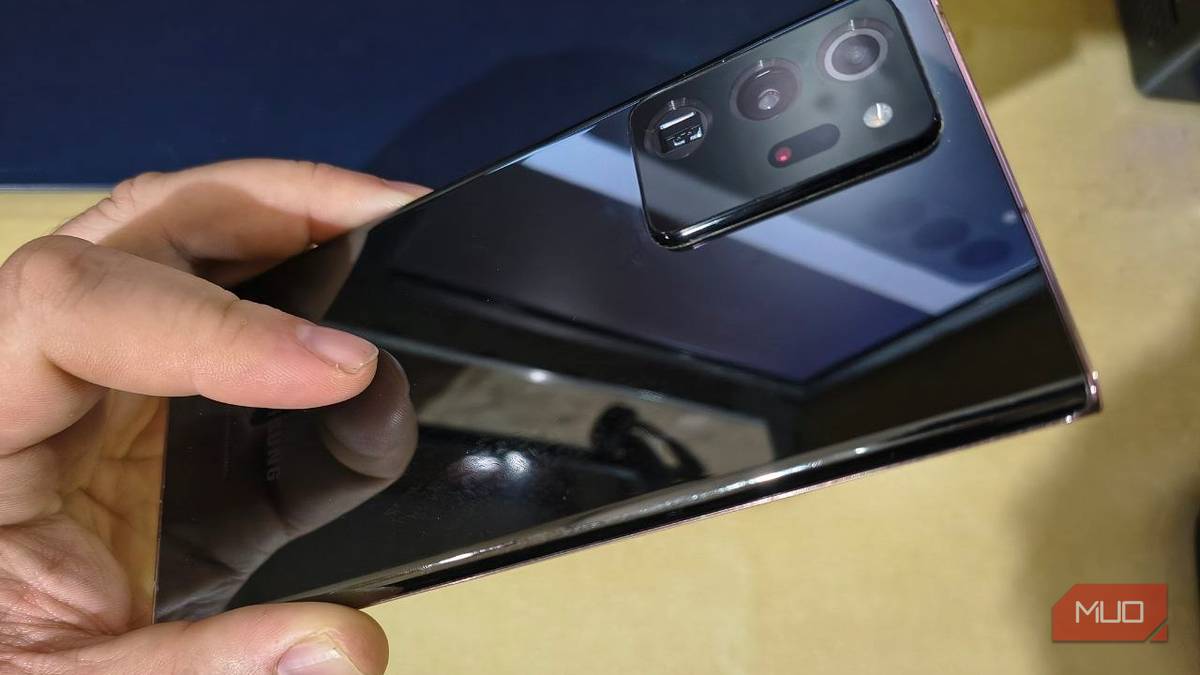

After one late-night doomscrolling session, I landed on a reel that excitedly informed me that my Samsung Galaxy had a “hidden button” on the back of the phone that enabled custom gesture control.
The reel called it the “Back-Tap,” and I hurriedly removed my case looking for this supposed secret button that, despite years of using the phone, I never knew existed. A few glances and several taps later, I was disappointed to find it didn’t exist. However, curiosity soon sent me to Google anyway.
Back-Tap actually turned out to be an incredibly useful feature enabled through Samsung’s software Good Lock. Once I’d set it up, the one-handed tapping gestures felt so natural that I decided to keep it.
I found the “hidden button” inside Good Lock
Samsung’s own customization tools taught me that gestures aren’t just gimmicks
My Google search led me to Good Lock, Samsung’s official customization app. It features a huge range of optional modules for making parts of the Galaxy experience more personal. The one I needed was called RegiStar, which was hidden away under the Life Up tab.
After downloading and installing Good Lock, I loaded the RegiStar module, selected Back-Tap action, and switched it on.
There I found two gestures to configure: Double Tap and Triple Tap. Each can trigger its own separate action, essentially giving me two shortcuts I can use with one hand without adding anything to the screen.
On my Galaxy, Back-Tap gave me these options to trigger:
- Taking a screenshot, with an optional sharing action.
- Launching the Google voice assistant.
- Turning the current app into a floating pop-up window.
- Showing notifications or recent apps.
- Performing the Back action.
- Opening an app, with additional shortcuts available for some.
Either gesture can also just remain unassigned, so there wasn’t any need for me to quickly invent an action for the Triple Tap. I did like how ordinary navigation controls sat alongside the app shortcuts, because it gave me something familiar to test before ultimately settling on a particular action.
Initially, I assigned Double Tap to the back button since my Galaxy’s giant 6.9-inch screen often made that gesture impossible one-handed. The Triple Tap I ended up assigning to Firefox, giving me two results that should have been pretty easy to distinguish.
Two taps should take me back, and three should bring up my browser. With both assigned, I was ready to see how reliably my phone could actually tell them apart.

- OS
-
Android
- Developer
-
Good Lock Labs
Good Lock is a powerful customization suite for Samsung Galaxy devices, offering a collection of modules and plugins that let you personalize almost every aspect of your phone. With Good Lock, you can tweak the lock screen, home screen, navigation bar, keyboard, notifications, and more to match your style and workflow.
Two taps took me back, and three opened Firefox
Reliable shortcuts need reliable tapping

Double-tapping the back of my phone performed the familiar Back action, and three taps made Firefox spring to life. At least that was how it was supposed to work.
Both shortcuts did work, but getting consistent results took a little practice.
As I found out, with Back-Tap, timing is everything. When I tapped in quick succession with considerable force, neither gesture faulted. Slowing down made things a lot less predictable.
Three leisurely taps often registered as a double-tap, sending me backwards rather than opening Firefox. Other attempts, like shaking the phone or imitating its movement when I tapped it, didn’t trigger anything. Feather-light touches weren’t enough to register, with or without the case on.
Keep the taps quick and distinct. If three taps keep triggering your double-tap shortcut, shorten the gaps rather than trying more brute force.
I can’t really claim that tapping the back made my Galaxy experience more streamlined or efficient, but the appeal of having both actions available to the hand already holding the phone was invaluable.
Tapping the back is always quicker than contorting my hand into impossible shapes just to tap the back button with my pinky finger. Better still, it meant that I could finally turn off One-handed mode and finally embrace my Android phone’s large screen.
My thick case turned taps into knocks
Sensitivity helped, but removing the case made the biggest difference

Because I’m rather clumsy, my Galaxy phone spends its life in a particularly thick protective case. That level of protection made back taps much harder to register. Removing the case made a substantial difference, with much lighter taps successfully triggering both shortcuts nearly 100% of the time.
RegiStar’s Back-Tap does come with a sensitivity slider, and this had a noticeable effect. At its lowest setting, I had to give my phone a fairly robust knock just to get the gesture to register. Because of my case, I ended up settling on maximum sensitivity.
That alone becomes a fair argument against the feature. A shortcut loses an amount of appeal when activating it starts causing sore fingers. Still, quick and sufficiently firm taps worked consistently with my case fitted, so I never had to choose between protecting my phone and the convenience of the new shortcuts.
I also tried several times to trigger it accidentally. Putting the phone in my pocket, placing it firmly on the desk, and moving it sharply up, down, and side-to-side produced no accidental activations.
RegiStar also comes with a Gates menu for conditions that prevent activation. On my version, the device-locked gate was enabled and couldn’t be turned off. The two options, power-saving mode and low battery, were additional options that I ended up enabling.
Those power options did make me wonder just how much power the Back-Tap function used in standby, if these were required at all. However, between those additional controls and my handling tests, I felt perfectly comfortable leaving the feature enabled for now.


8.5/10
- SoC
-
Snapdragon 8 Elite Gen 5
- Display
-
6.9-inch Dynamic Super AMOLED 2X
I’m keeping it, with one shortcut change
Back stays, but an authenticator app will probably replace Firefox

I’ve decided to keep Back-Tap enabled for the time being, with Double Tap keeping its job as my new Back button. Firefox was useful for testing, but I’ll likely end up giving that gesture to my 2FAS authenticator instead. Having quick access to two-factor authentication codes just feels like a better use for the gesture.
It’s a small convenience, and I’ll still use the usual navigation controls whenever they’re easier to reach. But finding another useful feature on a phone I thought I knew everything about was absolutely worth the experiment.
The thick case will be staying too, because I’d much rather tap a little harder than replace my screen for the 7th time.