
Stephen Radochia / Android Authority
Add Android Authority on Google:
There’s no arguing that smartphone cameras have gotten really good. In fact, I believe that there are no bad cameras as far as flagships go, just different flavors. Sure, bigger sensors and better lenses help, but the key differentiator today is the processing, color science, and the level of control you get over images.
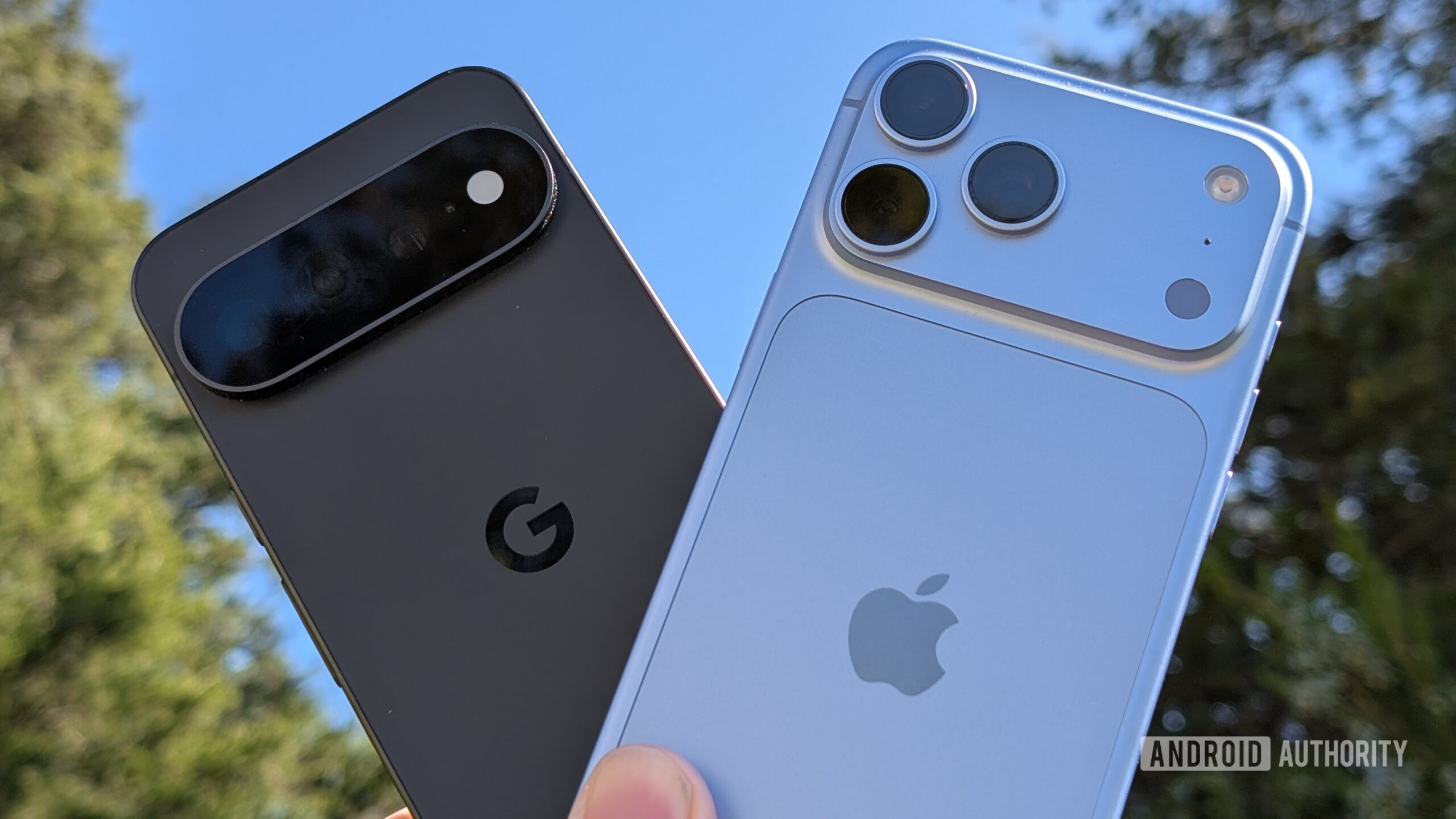
To that effect, I spent the past month shooting with the iPhone 18 Pro and Google Pixel 11 Pro to see how their newfangled approaches to creative control compare. On the iPhone 18 Pro, Apple has reworked its Photographic Styles, giving you more control over the look and texture of your photos. Google, meanwhile, has introduced Camera Looks, a collection of presets that let you change the Pixel’s signature image processing.
Both approaches have their merits, but after spending time with both phones, I think I know which one I prefer.
What’s more important to you when shooting photos?
0 votes
Apple’s Photographic Styles give you more control

Ryan Haines / Android Authority
I’ve always liked the idea of being able to change how a photo looks before taking it. It’s a bit like swapping between Portra 400 and Ektar film to dial in a specific look rather than spending hours in the darkroom if you speak film photography. It saves me the hassle of opening an editing app later, and I can see how the changes affect the image right in the viewfinder. Apple’s Photographic Styles feature isn’t new, but on the iPhone 18 Pro, it takes this idea a step further.
On the iPhone 18 Pro, the biggest new addition is the Texture tab, which lets you change the amount of texture, glow, and film-like emulation in your photos. On top of that, Apple has also added the ability to apply a grain filter if you really want to lean into the vintage aesthetic.
I’m usually wary of smartphone filters that try to recreate the look of film. They can easily end up looking artificial, especially when the grain is applied uniformly across the image. Apple’s implementation is more convincing because the effect responds to the lighting and shadows in the scene.
The Film setting is a good example. It adds a subtle celluloid-like effect to the image that, for lack of a better word, gives your image a mild tint similar to what you’ll see in old-school film photos. Can you go overboard with the results? For sure. But that’s where the granular tint and tone controls come in to dial in the image. Plus, Photographic Styles has one more trick up its sleeve that I’ll get to in a minute.
On the topic of creative looks, this year you’ll find soft skin and glow filters. While the former works like a beauty filter, which I’m not a big fan of, it can produce good results when toned down for clearing up blemishes. The glow filter is more interesting as it subtly boosts highlights and shadows without changing exposure levels. The end result is a slightly more contrasty image that pops on social media and reminds me of color negative film.
Finally, there’s a grain toggle. Unfortunately, Apple held back from adding granular controls or sliders to the grain tab. This is where the look can sometimes be a bit too much, and you’ll want to be judicious about where you apply it.
Photographic Styles lets me experiment with my photos without having to commit to a particular look.
That said, I like having this option because it gives me another way to experiment with my photos without having to edit them later. I can pair a black-and-white style with more pronounced grain for street photography or keep things subtle for everyday shots.
And if I don’t like the result, I can remove the edits altogether since Apple’s entire Photographic Styles feature is implemented in a nondestructive way. Which, in my opinion, is the real edge for Photographic Styles. Out and about and on the go, dialing in the perfect colors isn’t always possible. The ability to tweak these filters after the fact on a RAW imaging pipeline means that I can use the preview as a draft instead of the final output.
Add to that the near-infinite customization, and I’m not locked into a handful of presets. I can tweak the look to suit the scene and my own preferences.
Google’s Camera Looks keep things simple

Dhruv Bhutani / Android Authority
Google takes a different approach with the Pixel 11 Pro. Its new Camera Looks include options such as Natural, Editorial, Velvet, Classic, Digi, Black Tie, and Minimal. Each gives your photos a distinct look without requiring much effort on your part. Once again, these looks are clearly inspired by Fujifilm stock.
I can see the appeal. If you like the Pixel’s characteristic contrast and punchy processing but want to experiment with different styles, these presets are a convenient way to do it. Editorial and Velvet, for instance, give portraits a more stylized appearance, while the other options let you change the overall mood of a photo.
My issue is that the Camera Looks don’t give me much room to experiment beyond what Google has already decided looks good. I pick a preset and get the result Google intended. Sure, you get all the standard exposure, contrast, and sharpness adjustment tools while you’re shooting the image, but once you’ve clicked that shutter button, all those settings are locked in. You have to be a lot more deliberate with your photography.
That’s not necessarily a bad thing. Most people probably don’t want to spend time in a photo editing suite at the end of a day out. But if you enjoy having more control over the final image, Google’s approach on the Pixel 11 Pro can feel a little limiting.
The difference comes down to control

Adamya Sharma / Android Authority
Both Apple and Google will let you customize the look of you photos before taking them. The Pixel 11 Pro’s Camera Looks offer sliders for adjusting contrast, tone, and color balance, while Apple’s Photographic Styles add controls for texture and film grain. While the interface might change, the basics are largely the same. I’d go as far as saying that the default filter selection across both cameras targets the same style of looks, and while shooting, you can go for as exaggerated or as minimal a touch as you want.
I prefer Apple’s approach because it gives me more flexibility to experiment without having to commit to a particular aesthetic when taking the shot.
But the real difference is what happens after you’ve taken the photograph. Apple’s Photographic Styles are reversible, so you can change the look or remove it entirely when editing a photo later. Or if you forgot to activate them while taking the photo, you can add them in later with zero impact to picture quality. Google’s Camera Looks, on the other hand, are baked into the image at the time of shooting and cannot be changed or applied after the fact.
And I’ve got to say, I prefer Apple’s approach because it gives me more flexibility to experiment without having to commit to a particular aesthetic when taking the shot. I believe Google might have leaned too far into the film-style approach here.
The iPhone 18 Pro wins this comparison

Aamir Siddiqui / Android Authority
I like what Google has done with Camera Looks on the Pixel 11 Pro. The presets are easy to use, and they give Pixel users more ways to experiment with their photos without having to open an editing app. If you prefer a simple interface and want a particular look with minimal effort, there’s plenty to like here.
However, Apple’s updated Photographic Styles go further. The ability to adjust tone, color, and texture independently makes a big difference if you enjoy experimenting with your photography. The new Texture tab and the glow feature in particular really help bring out the most in a photo without having to dabble with masking in Lightroom. In fact, the only feature it really needs is the ability to adjust the level of grain.
A look that you like today might not be what you like five years from now.
That doesn’t mean everyone needs this level of control. Google’s approach is perfectly fine for people who want to take a photo, apply a look, make some adjustments on the fly, and move on. But I prefer having the option to tweak things until I’m happy with the result. Additionally, that flexibility is great for archival purposes. A look that you like today might not be what you like five years down the road.
For me, that’s what puts the iPhone 18 Pro ahead.